


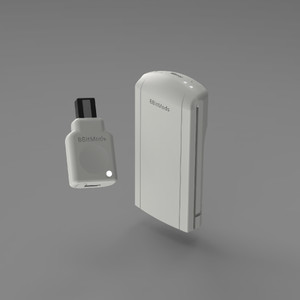
8BITMODS BitLink DC Dongle Wireless & USB-C Adapter for Dreamcast
Write a Review

8BitMods
8BITMODS BitLink DC Dongle Wireless & USB-C Adapter for Dreamcast
- Brand
- 8BitMods
- SKU:
- 8BM-BLDC-01-CL
BitLink DC
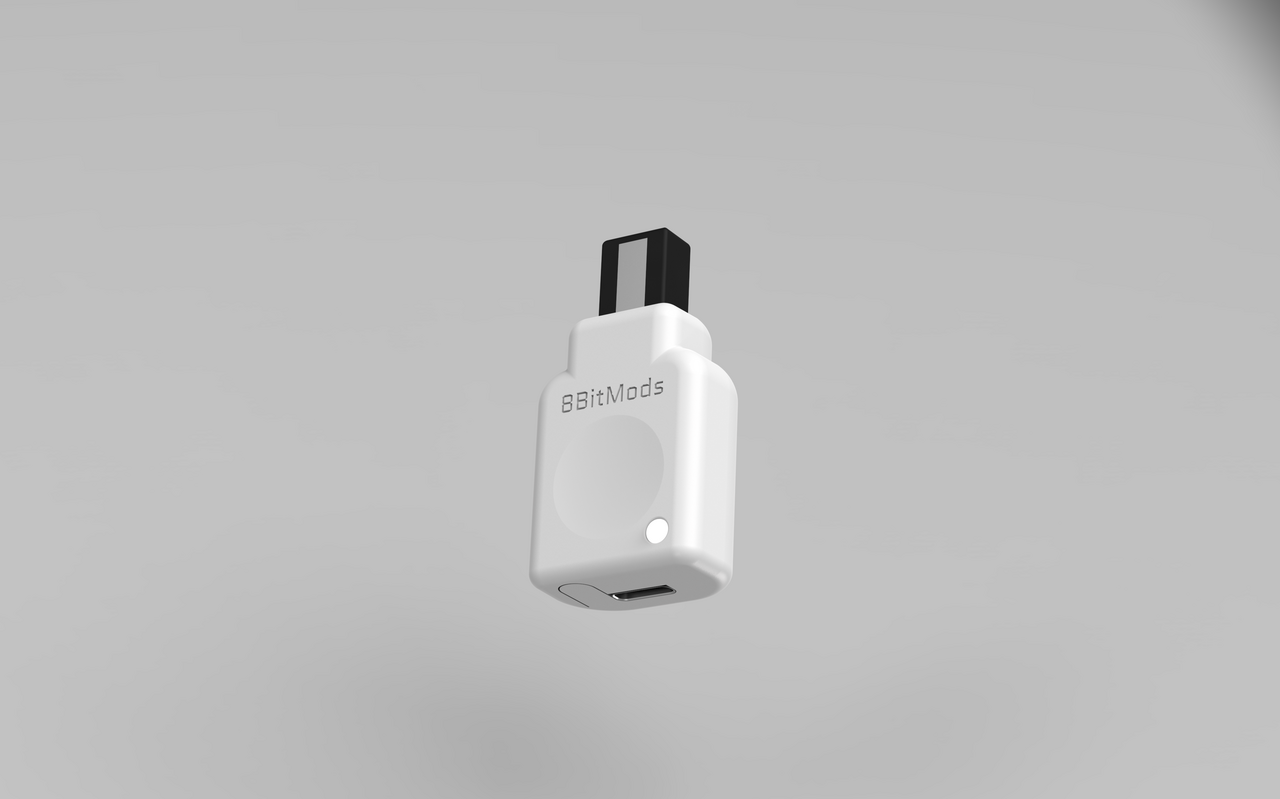
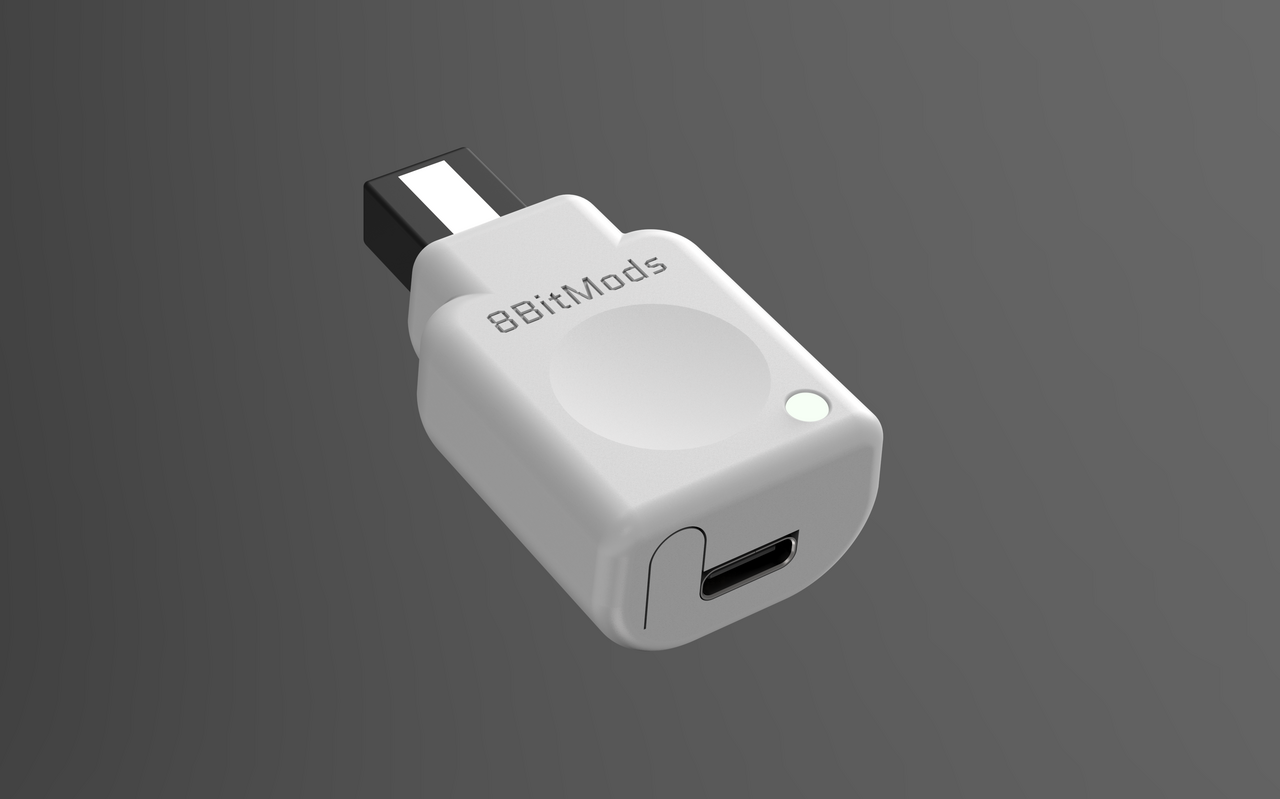
BITLINK DC Dongle
Plug it into your Dreamcast and never look back. The BitLink DC Dongle turns your console into a modern wireless hub — supporting up to four virtual memory cards, Bluetooth LE controllers, wired USB-C input, and 2.4GHz connectivity for the BitLink DC Adapter. It also brings full keyboard and mouse support over Bluetooth LE or USB-C, opening the door for homebrew and emulator experiences that were never possible before. Configure everything through the built-in web interface, accessible directly from your browser over Bluetooth — no app, no drivers, no hassle.
- Up to 4 virtual flash memory cards — no more hunting for originals
- Bluetooth LE controller support for any compatible gamepad
- USB-C port for wired controllers and keyboards (powered)
- Keyboard and mouse support over Bluetooth LE or USB-C
- 2.4GHz receiver for the BitLink DC Adapter
- Addressable RGB pixel LED — fully customisable colours, patterns and effects
- Built-in web interface over Bluetooth — remap controls, manage memory cards, customise LEDs, update firmware and configure pairing, all from your browser
- Available standalone or as part of the BitLink DC Kit


Get the full 8BitMods Dreamcast experience. Add a VMUPro.
The BitLink DC Dongle works seamlessly alongside the VMUPro. Pair both for the definitive Dreamcast setup — wireless play, virtual memory cards, and VMUPro's built-in emulators all working together. Add the BitLink DC Adapter and your VMUPro even charges automatically while you play.
Shop VMUProFAQ
Frequently Asked Questions
The BitLink DC Dongle is compatible with Bluetooth 5.0 LE (Low Energy) HID controllers only. This is a fairly new protocol — most modern controllers support it, but not all do, so please verify your controller's compatibility before purchasing.
Controllers compatible with the Xbox Series X|S (including the official Xbox Wireless Controller) are confirmed to work.
Controllers that are not supported over Bluetooth include Sony DualShock / DualSense controllers, and most 8BitDo controllers that are not specifically designed for Xbox.
However, you can connect a Bluetooth Classic receiver over USB-C to the Dongle to add support for all Bluetooth controllers, or use a 2.4GHz receiver from other brands.
Any gamepad, controller, mouse or keyboard that you can normally use on a PC, as well as Bluetooth or 2.4GHz dongles packed with controllers, can be connected to the BitLink DC Dongle over USB-C.
The WebUI provides a powerful way to remap buttons, select presets or create your own. The firmware is also updateable, so we plan to keep adding support for more controllers if they need any special handling.
No modification is required to the Dreamcast console itself for either the BitLink DC Dongle or BitLink DC Adapter.
To install the BitLink DC Adapter in your original Sega Dreamcast controller, you simply open up the controller, disconnect the existing cable from its internal JST connector (no soldering required), plug in the included BitLink Adapter cable, and route it through the rear accessory port. Close up the controller, connect the cable to the BitLink DC Adapter, and you're done.
Each BitLink DC Dongle supports one controller or peripheral — you cannot connect multiple controllers (or a keyboard and mouse) to the same Dongle. Each device requires its own Dongle, connected to its own port on the Dreamcast.
All four Dreamcast controller ports are supported, so with four BitLink DC Dongles you can have up to four wireless players at the same time.
Yes! The BitLink DC Dongle can transmit vibration signals to any connected controller that supports vibration, including the BitLink DC Adapter. The Adapter comes with an integrated rumble motor, so you don't need a separate peripheral for vibration.
Yes — any original VMU or VMUPro is compatible with the BitLink DC Adapter, for both LCD display graphics and saving/loading your game data.
The VMUPro has even deeper integration with the BitLink DC Adapter, allowing you to control the VMUPro directly through the controller — whether connected to a Dreamcast console or in standalone mode to play with the VMUPro's built-in emulators.
At the time of preorders, the supported controllers and peripherals are: original Sega Dreamcast gamepads (any region), the Sega Arcade Stick (any region), and the Retro Fighters StrikerDC wired controller.
We plan to add support for more peripherals before launch and through firmware updates — especially those that use a standard JST connector cable.
You can use the BitLink DC Adapter without the Dongle, but not for playing on the Dreamcast. Without the Dongle, the Adapter works as a standalone Bluetooth LE HID gamepad for PC or Mac (make sure your computer supports Bluetooth LE), or as a wired controller over USB-C.
The BitLink DC Dongle is configurable via a WebUI accessible through a Bluetooth LE connection. Google Chrome is required to access it.
The BitLink DC Adapter is configurable directly on the gamepad it's connected to, using either a standard VMU display (low-res) or a VMUPro (hi-res).
0 Reviews Hide Reviews Show Reviews

RetroTINK
RetroTINK HD15 Dongle Dreamcast

Retro Fighters
D6 Dreamcast Wireless 6-Button Controller (White)

Retro Fighters
D6 Dreamcast Wireless 6-Button Controller (Black)

Retro Fighters